CommonJS vs ES Modules: Understanding the Difference
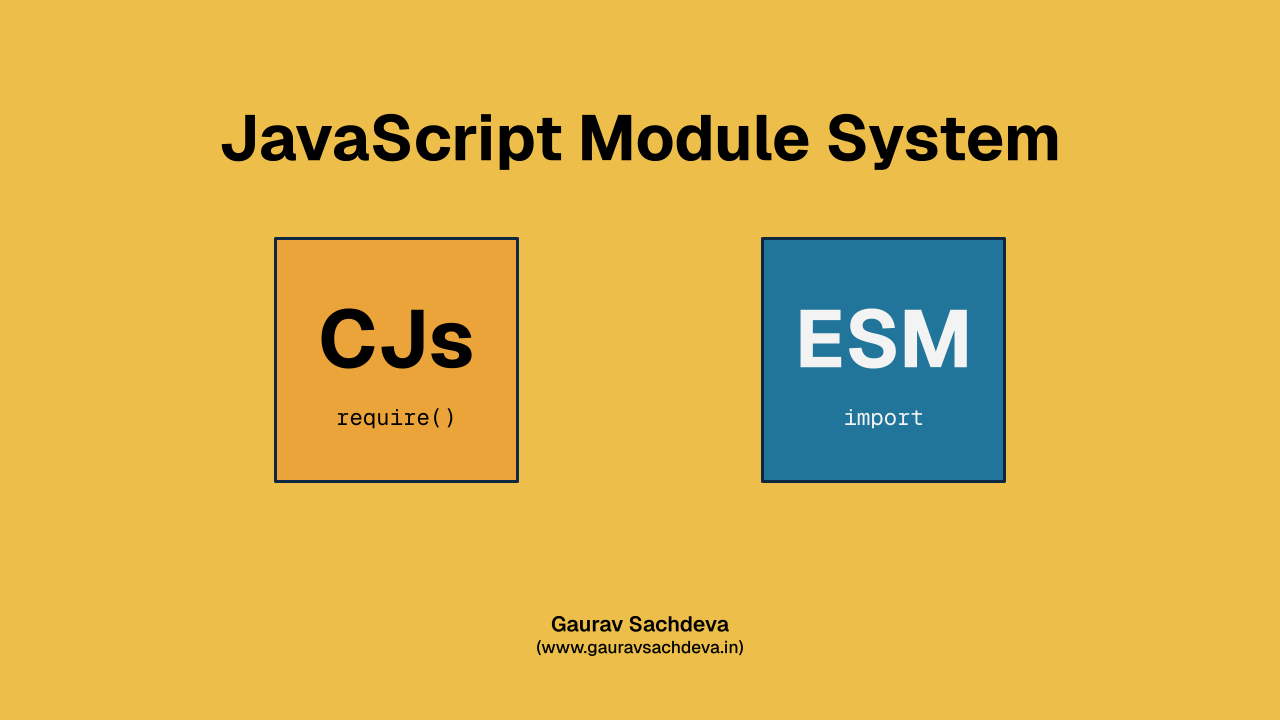
If you've been building things in JavaScript for a while, you’ve probably bumped into both CommonJS and ES Modules. Maybe you’ve mixed them by accident. Maybe you've yelled at your terminal because your import refused to work with a little error. No judgment—we’ve all been there.
Let’s clean things up and understand what’s actually going on.
Why Two Module Systems in the First Place?
JavaScript didn't originally ship with a module system. Yes, imagine that—no imports, no exports, nothing. Developers cobbled together their own patterns until Node.js stepped in with CommonJS (CJS).
Then the browser world caught up and standardized ES Modules (ESM) as part of the language. And now here we are, living with a peaceful-but-confusing coexistence.
CommonJS (CJS): The OG of Node.js
CommonJS is what Node.js used by default for years. It works great, it’s simple, and it’s still everywhere.
How it looks:
const lodash = require("lodash");

module.exports = function greet(name) {
  return `Hello, ${name}`;
};
What’s nice about it:
- Synchronous and straightforward.
- Massive ecosystem support.
- Works perfectly with older Node.js projects.
What’s not-so-fantastic:
- Doesn’t work natively in the browser.
- Not future-friendly for advanced bundling and tree-shaking.
ES Modules (ESM): The Modern, Official JS Way
ES Modules are part of the official JavaScript language. Browsers love them. Modern Node.js supports them too.
How it looks:
import lodash from "lodash";

export function greet(name) {
  return `Hello, ${name}`;
}
Perks of ESM:
- Works in browsers without bundlers.
- Enables tree-shaking (better performance).
- More predictable and standardized.
Little quirks:
- Slightly more rules.
- Mixing with CommonJS can feel like forcing two different puzzle sets together.
So… Which One Should You Use?
Use ESM for:
- New projects
- Browser-based scripts
- Anything modern that might need tree-shaking
Use CommonJS for:
- Existing Node.js projects
- Codebases with dependencies still stuck in the past
- Quick scripts where you don’t want Node’s module setup discussion
The Two Can Coexist… Carefully
Sometimes you don’t get to choose—your dependencies choose for you. You might end up mixing them, and that’s when Node.js starts throwing polite but firm errors.
A few guidelines help avoid chaos:
- A file ending in
.mjs→ ESM - A file ending in
.cjs→ CJS "type": "module"inpackage.json→ everything defaults to ESM"type": "commonjs"or nothing → defaults to CJS
Each choice changes how imports behave, so don’t be surprised if Node looks at you funny when you mix them.
Final Thoughts
Both CommonJS and ES Modules are here to stay. CJS isn’t disappearing, and ESM is steadily taking over modern workflows. Learning when each one shines saves you plenty of debugging time—and maybe a little sanity, too.
Pick what fits your project today. And if something breaks, well… now you know which system to blame.