RGB vs HEX vs HSL: Color Formats Explained Simply
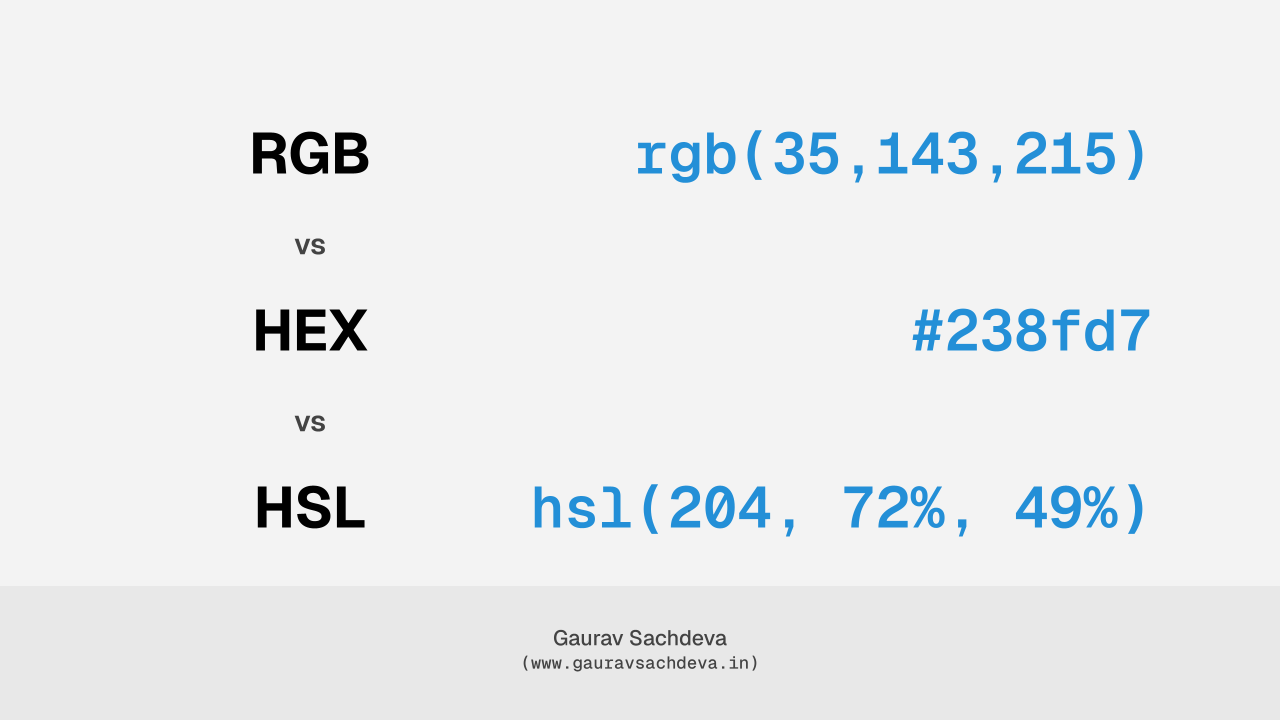
In web development and CSS, colors can be written in different formats like RGB, HEX, and HSL.
All formats show colors, but some are easier to use than others.
Let’s understand the main ones and see which is best.
Common Color Formats
HEX (#RRGGBB)
Example: #ff5733
- Most commonly used in CSS
- Short and easy to copy
- Supported everywhere
Problem:
Hard to adjust brightness or shade manually
Best for:
CSS files, design tokens, configs
RGB (rgb())
Example: rgb(255, 87, 51)
- Based on Red, Green, Blue
- Matches how screens work
- Supports transparency using
rgba()
Problem:
Not human-friendly, values are confusing
Best for:
JavaScript, canvas, animations
HSL (hsl())
Example: hsl(9, 100%, 60%)
- Hue = color
- Saturation = strength
- Lightness = brightness
Why it’s good:
Very easy to create light, dark, and hover colors
Best for:
Themes, dark mode, design systems
Other Formats
- HSV / HSB: Used mostly in design tools
- Named colors:
red,blue(okay for testing only) - CMYK: For printing, not for web
Ranking (Best to Worst)
- HSL – Best for UI and themes
- HEX – Most practical and popular
- RGB – Needed for logic and effects
- HSV / HSB – Design tools only
- Named colors – Limited use
- CMYK – Print only
What Should You Use?
- Design system / dark mode: HSL
- Normal CSS usage: HEX
- JavaScript or animations: RGB
Simple rule:
Use HSL for thinking, HEX for storing, RGB for coding logic